
产品营销 - AI 职业照应用 App Store 宣传海报
为一款名为 {argument name="app name" default="Shine"} 的 AI 职业照应用制作一张精致的 App Store 宣传海报,采用温暖简约的品牌风格。使用垂直手机截图广告布局,背景为柔和的米色,底部边缘...
Prompt 正文
默认展示英文原文。点击“用它生成”后,首页会默认载入此草稿。
Create a polished App Store promotional poster for an AI headshot app called {argument name="app name" default="Shine"}, in a warm minimalist brand style. Use a vertical smartphone screenshot ad layout on a soft beige background with a curved golden-yellow shape rising from the bottom edge. Place a large elegant black serif headline in the upper left, split across 3 lines, reading {argument name="headline text" default="Create pro headshots with Shine"}. Add a white jagged starburst badge to the left-center with black serif text reading {argument name="badge text" default="Before + After"}. On the right side, show a large angled modern smartphone mockup, slightly tilted left, with thin metallic edges and a realistic screen. The phone display should show the app interface for AI-generated professional headshots. At the top of the screen, include a small wordmark reading SHINE, a large serif subheadline saying "Your best self, professionally.", supporting body text saying "Upload a few photos and we’ll create studio-quality headshots.", a small rounded pill in the upper right that says "⚡ 8 credits", and an iPhone-style status bar showing 9:41. In the middle of the phone screen, show a before-and-after comparison card with 2 portrait panels side by side, each labeled exactly once: 1 left label "Before" and 1 right label "After". The left portrait is a casual man in a dark T-shirt against a plain indoor background; the right portrait is the same man transformed into a professional headshot wearing a dark blazer over a light shirt with a warm studio bokeh background. Put a circular swap arrow button centered between the 2 panels. Below that, include a "HOW IT WORKS" section with exactly 3 steps arranged vertically: 1) "1. Upload" with the text "Add 8–12 clear photos of yourself.", 2) "2. We create" with the text "Our AI generates a variety of pro headshots.", 3) "3. Download" with the text "Choose your favorites and download high-res images." Give each step a rounded square pastel icon tile in peach or pink tones. Near the bottom of the phone screen, add a large rounded yellow CTA button reading {argument name="button text" default="Start Shine ✦"}, and beneath it small text saying "8 credits per session". In the lower left foreground, place a cute stylized white mascot character with a rounded body, tiny arms, blush cheeks, dot eyes, and a smiling mouth, wearing a golden-yellow cowboy hat and matching neckerchief; the oversized hat should extend toward the center and overlap the base area in front of the phone. Use soft 3D illustration for the mascot, premium UI design for the phone screen, consistent beige-and-gold branding, subtle shadows, clean spacing, and a refined startup-marketing aesthetic.猜你喜欢
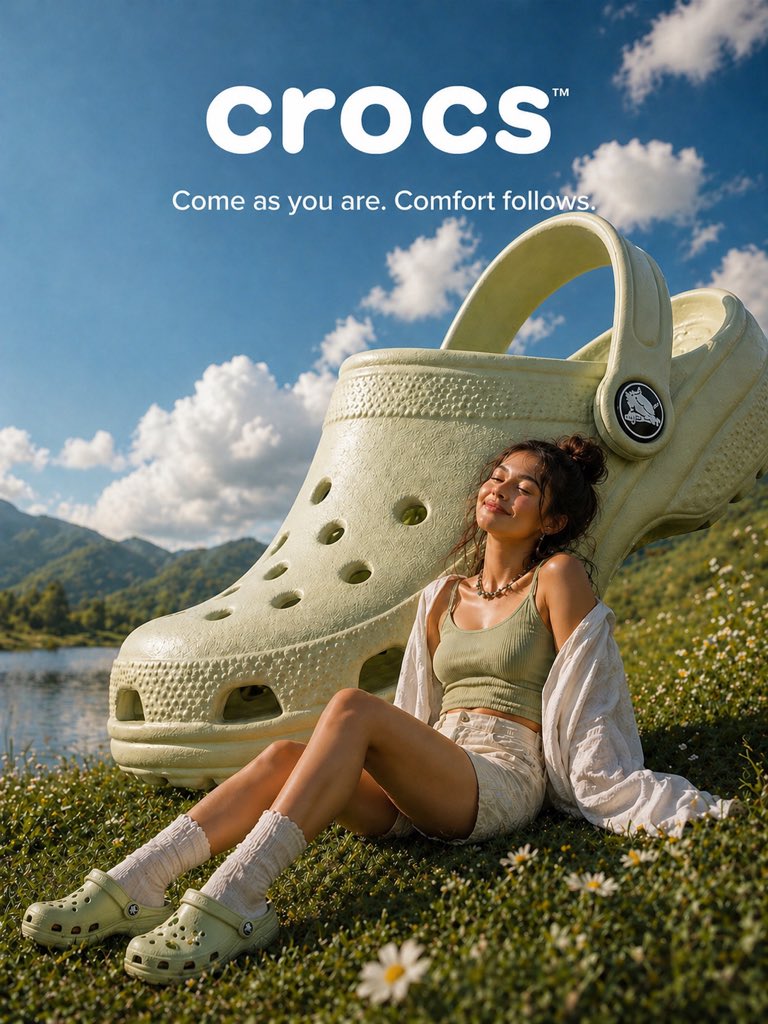
产品营销 - 超现实 Crocs 夏季广告海报
创作一张超现实生活方式时尚广告海报,品牌为 {argument name="brand name" default="crocs"}。竖版构图,照片级真实感,黄金时刻户外光效。一位年轻女性在开满小白雏菊的湖畔草地上惬意地坐着,倚靠在一只巨大...
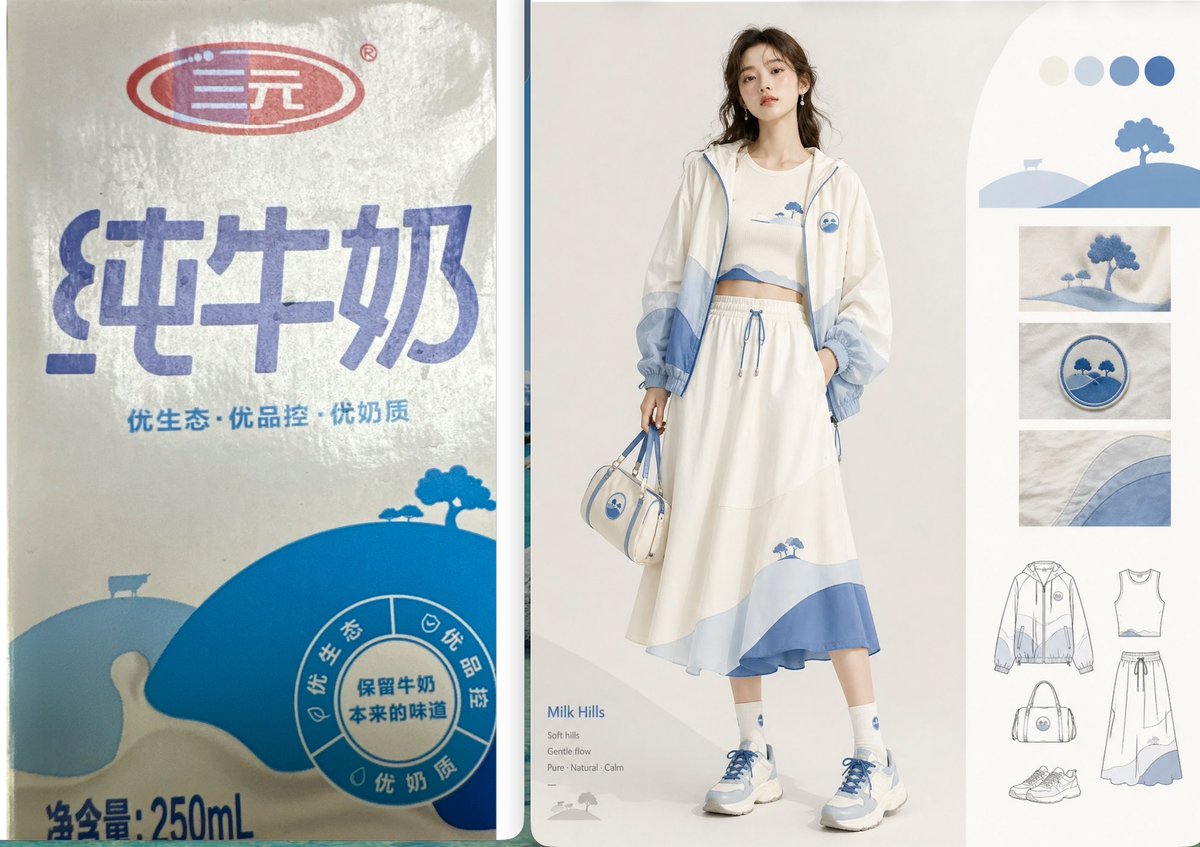
产品营销 - 以产品为灵感的时尚设计
设计一套以 {argument name="product" default="该产品"} 为灵感的 {argument name="style" default="酷炫风格"} 女装
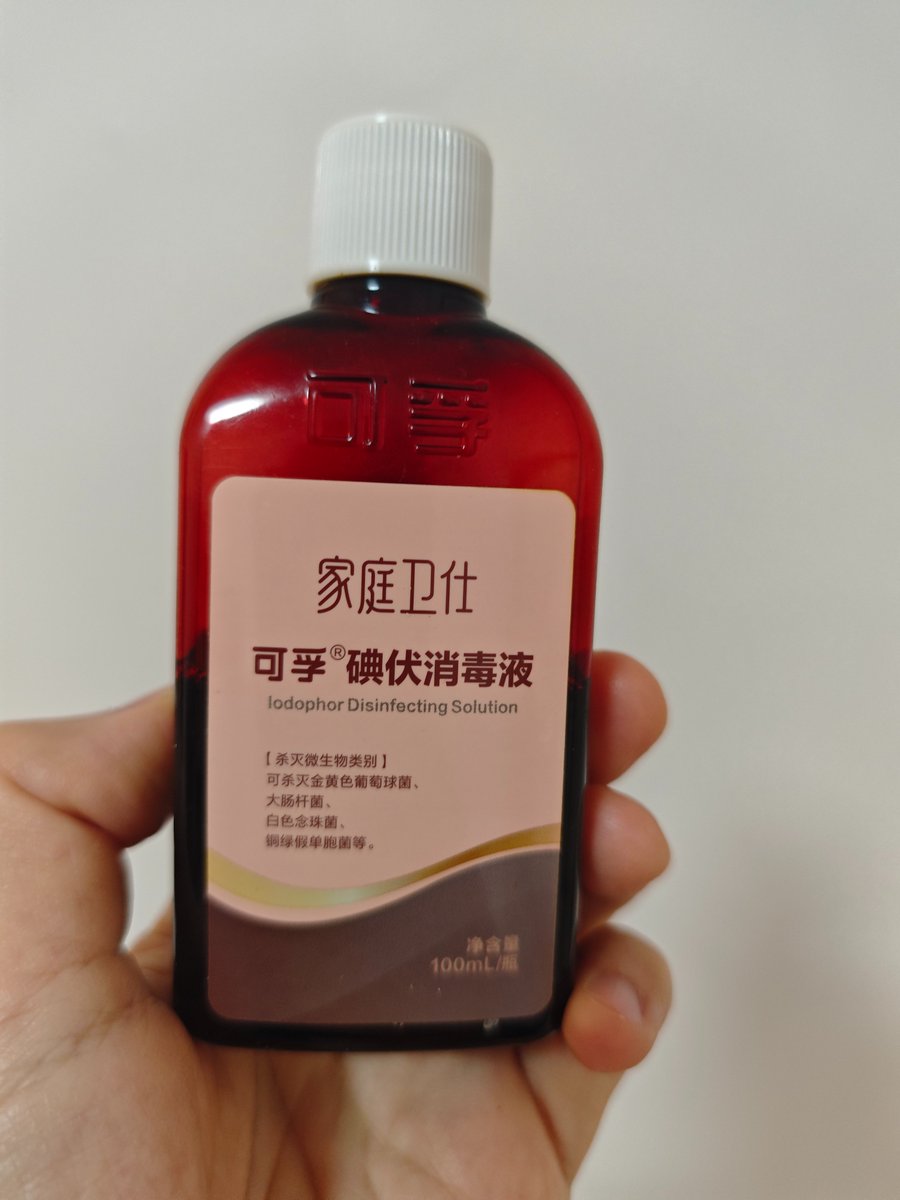
产品营销 - 以产品为灵感的时尚设计
受此产品启发,设计一套 {argument name="style" default="酷飒风格"} 的女性服装,背景为 {argument name="background" default="黑色背景"},长宽比为 {argument...
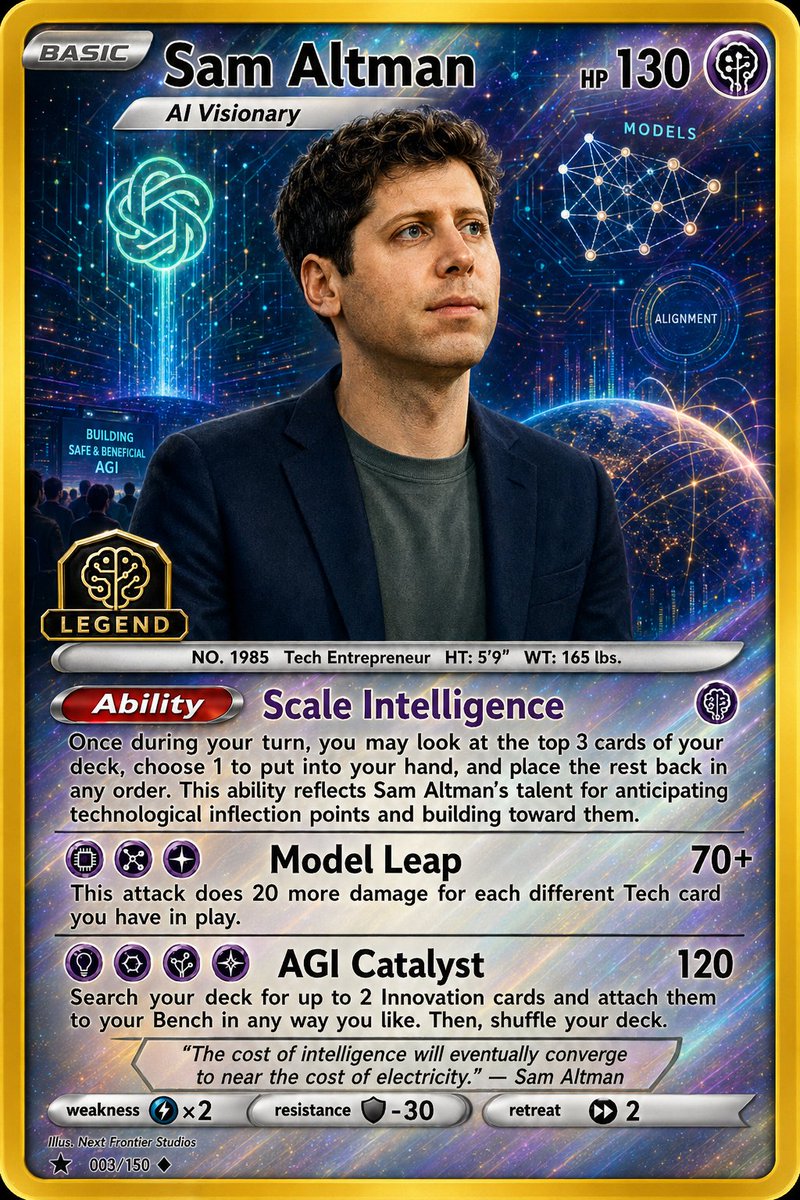
产品营销 - 全息 AI 远见者收藏卡
一张细节极其丰富的收藏级卡牌插图,采用高级全息怪兽卡风格,2.5:3 竖版布局,带有厚实的金属金边和光面箔片质感。卡牌中心人物为 {argument name="character name" default="Sam Altman"},半...